
Unleash Your Inner Meme: Create Hilarious Memes with Google Photos!
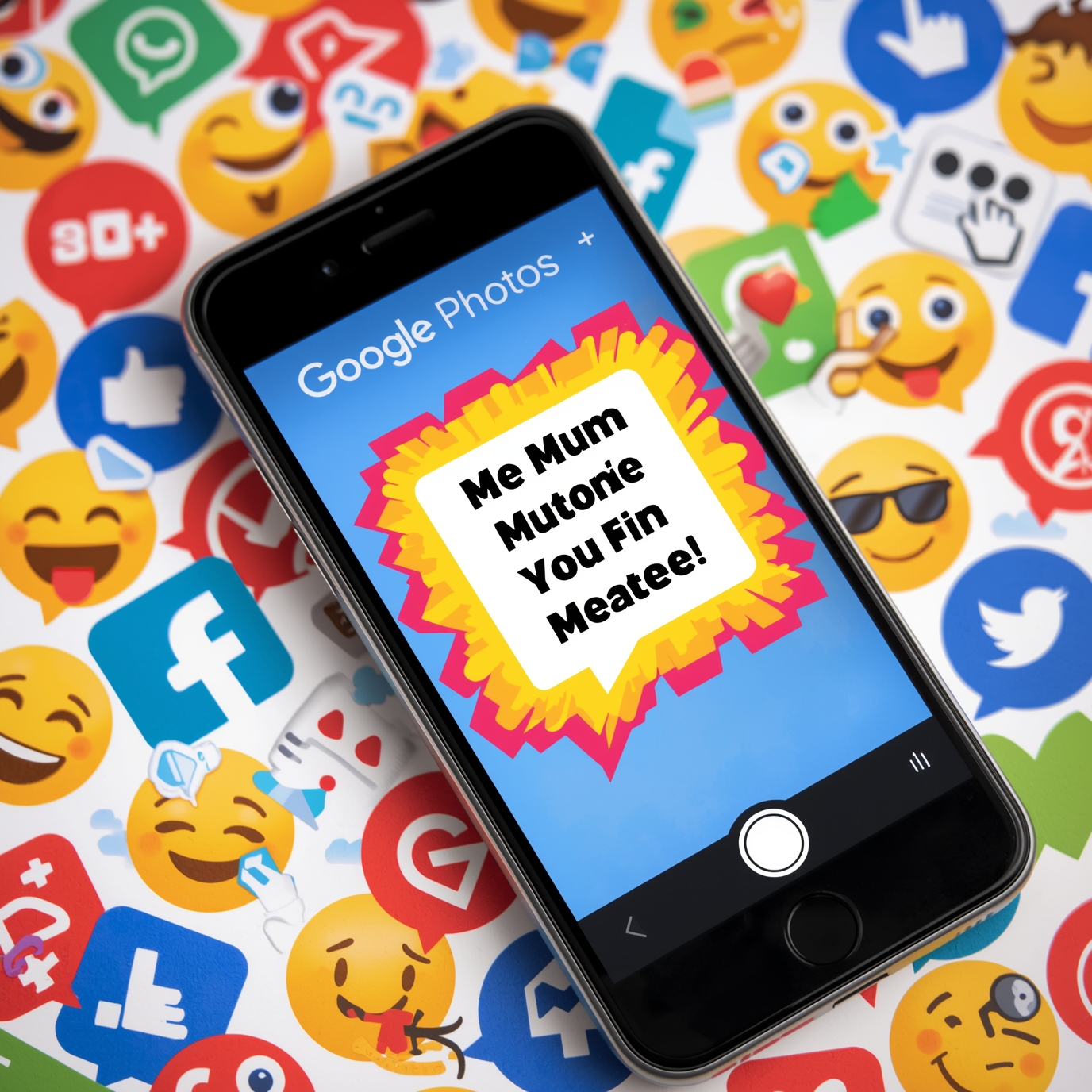
Alright, meme enthusiasts and humor aficionados, gather ’round because Google Photos just dropped something hotter than a fresh batch of cookies right out of the oven: a brand new meme maker feature! That’s right, folks—meme culture has infiltrated our lives like that one friend who always shows up at your doorstep uninvited but somehow makes your day better. With this feature, you can grab your funniest photos and sprinkle some creativity on top to serve up piping-hot memes straight from your photo library. What are you waiting for? Let’s get meme-ified!
How to Access the Meme-Making Tool in Google Photos
Getting your hands on this meme magic is easier than deciding what snacks to bring to a movie night. Just follow these foolproof steps, and you’ll be on your way to meme glory:
1. Fire up the Google Photos app. If your phone is anything like mine, it’s probably throwing a party in your pocket.
2. Navigate to the “Create” option. It’s like playing hide and seek, but you’re not the one hiding.
3. Select “Memes” from the buffet of options—because who needs just salad when there’s pizza?
4. Choose your favorite photos to turn into meme masterpieces. Pick wisely; this is the Academy Awards of your photo library!
Once you’re in, you’ll see a cornucopia of options and settings to sprinkle a bit of your flavor onto those memes. Get ready to show the world what you’re all about!
Creative Ideas for Memes
When it comes to meme-making, if you can dream it, you can meme it! Here are some creative brainstorms to ignite your imagination like a firecracker in July:
– Play with relatable themes. How about “When you finally finish a long task”? Or “The struggle is real: trying to stay awake during a snooze-fest meeting”? The possibilities are endless!
– Dig into that treasure trove of expressive and funny photos. Your library is loaded with potential future classics!
– Channel your inner meme connoisseur by exploring popular formats. Captioned images or reaction GIFs can be like the secret sauce that makes your meme mouth-watering.
Editing and Personalizing Your Memes
Now that you’ve selected your star photos, it’s time to give them a little sprucing up! The Google Photos meme creator is packed with editing tools, just like a toolbox in a bad DIY project. Add text, sprinkle in some stickers, and throw on effects like you’re the DJ at a party!
Use bold fonts like you mean it, or go for playful stickers that scream “I’m hilarious!” Personalization turns ordinary memes into prime funny content that friends will want to share faster than free pizza!
Sharing Your Memes with Friends and Family
Drumroll, please! Once you’ve cooked up your meme masterpiece, it’s time to share it with the world! Google Photos makes this as simple as pie—yum! You can send your memes directly to friends faster than you can say “internet gold,” or post them on social media platforms where your followers can bask in the glory of your wit (or at least pretend to laugh). Memes are the perfect icebreaker to spark laughter and connection. You’ll be a digital social butterfly in no time!
Example Memes for Inspiration
Need a little nudge to get those creative juices flowing? Here are some quick examples of funny memes you could whip up with Google Photos. From pets being absolutely ridiculous to your friend’s reaction when you say “we should totally go hiking”—showcasing humor in everyday life is where the magic happens. Everyone can relate, and it’s like sharing a high-five through a screen!
Exploring the Impact of Memes in Digital Communication
Memes have seriously transformed the way we communicate online. They’re the ultimate way to convey complex emotions and hilarious scenarios in a light-hearted manner. It’s like being able to make your feelings dance while wearing a silly hat. Understanding the cultural significance of these little gems allows us to see how they strengthen relationships and create shared moments of pure joy.
Potential Drawbacks of Meme Creation
Now, hold your horses! While crafting and sharing memes is a blast, keep an eye on privacy concerns, just like your grandma watches over her prize-winning petunias. Always check your photo-sharing settings in Google Photos, so your meme content remains as secure as a vault! Also, remember that not every joke lands with every crowd. Keep things light and respectful, and you’ll avoid the “oops” moments that keep you up at night.
Future Updates and Features to Expect
With meme-making taking off like a rocket, who knows what Google Photos has up its sleeve for the future? You might soon see enhancements that turn you into the Picasso of memes! Keep your eyes peeled for additional features that’ll take your meme game to stratospheric levels!
So, what are you waiting for? Get out there and tap into your creative genius with Google Photos! It’s time to unleash your inner meme master and turn those giggles into viral moments. The world is counting on your humor—even if it’s just to lighten up someone’s day!
About the Author